🧭
Agent workspace
Keep files, tools, approvals, sessions, and execution in one focused desktop app.
Coding, tools, smart media generation, paired Telegram control, curated community pack, clickable usage panel, and scenario-based plugins — all in a supervised macOS app.

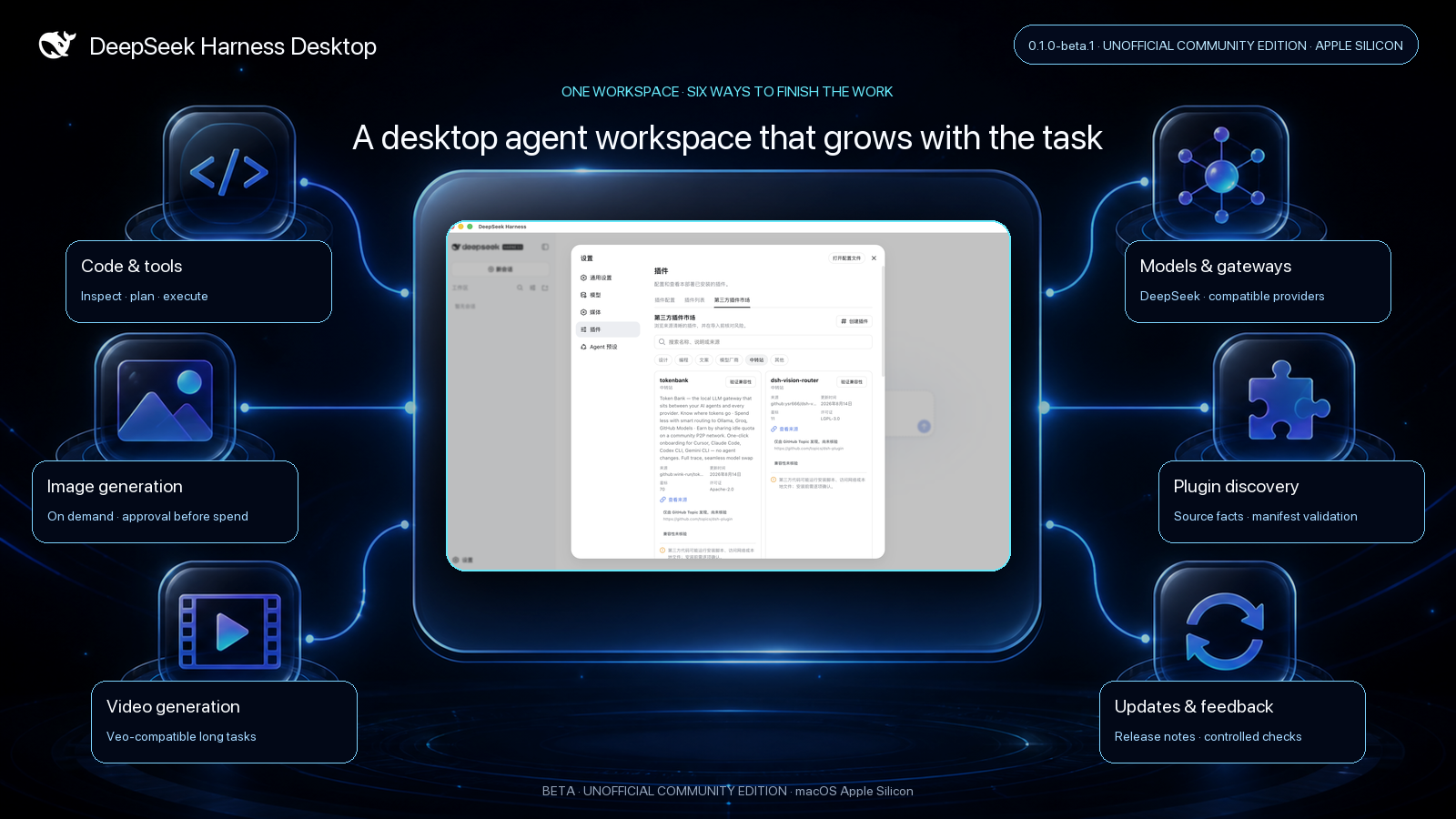
DeepSeek Harness Desktop packages the complete Harness Web experience inside a supervised macOS application. It keeps the plugin-based architecture, model flexibility, tool execution, sessions, approvals, and sandbox controls of upstream Harness while adding desktop lifecycle, community discovery, configurable media generation, and a release channel people can understand.
Code, research, writing, images, and video often belong to the same deliverable. Configure the providers you trust, keep approval-before-spend enabled, and the agent can select generate_image or generate_video when media materially improves the result. Generated artifacts appear as dedicated result cards instead of disappearing into raw tool output.
The plugin marketplace organizes community projects for design, programming, writing, model providers, gateways, and other workflows. Discovery starts from the dsh-plugin topic. Only a selected repository that passes pinned manifest and patch-target validation is labeled compatible; compatibility does not enable installation. The beta accepts GitHub, npm, and local source drafts for risk review, but does not execute imports.
Create a dedicated Bot with BotFather, save its token in the desktop credential store, and generate a ten-minute single-use pairing link. Opening the link on the phone creates a candidate; the account is not trusted until you return to the desktop and confirm its exact numeric user and private-chat IDs. After pairing, ordinary text starts or continues a telegram-safe session and the final response returns to Telegram. This phone Agent supports plain-text reasoning and web_search; it cannot read local files or credentials, run Shell or code, call paid media tools, use subagents, change permissions, or approve operations. Bot chats are not end-to-end encrypted, so never send secrets.
The app checks signed GitHub Releases, not every commit. A new version shows its release notes first; downloading and installing remain user decisions. The same app menu exposes the current version, update check, release history, author attribution, and feedback entry.
The first packaged target is Apple Silicon macOS. Until a Developer ID signed and notarized build is published, run or package the beta from source:
git clone https://github.com/KevPH2026/deepseek-harness-desktop.git
cd deepseek-harness-desktop
pnpm install
npm run desktop:dev
Continue with the Web workspace quickstart, configure a model provider, or learn how plugins are packaged and installed.
This project is maintained by @KevPH2026 and is not an official DeepSeek desktop product. It is based on the open-source DeepSeek Harness project; the original DeepSeek copyright notice remains intact. Code is distributed under the MIT License, with bundled licenses recorded in Third-Party Notices.